⚡ Save Hours Every Week — Cancel Anytime

Turn Amazon Influencer Videos into YouTube Income — Automatically

Stop uploading by hand. Cha-Ching Automate syncs your Amazon Influencer videos to YouTube and cross-posts them to every English-speaking international Amazon storefront — Canada, UK, Australia, Singapore, and the UAE — so the same video earns commissions in five countries instead of one.

Start Automating Today
Join Amazon Influencers saving hours every week — and earning in 5 storefronts at once.
  • Works on Windows, Mac, ChromeOS, and Linux
  • All future updates free
  • Email & Facebook Group support

🔒 Stripe · Cancel anytime · No hidden fees


How It Works

Set It Once. Earn Forever.

Cha-Ching Automate does the heavy lifting so you can focus on creating content — not transferring video files.

1

Connect Your Accounts

Link your Amazon Creator Hub and YouTube channel through our simple setup wizard. Takes about 5 minutes.

2

Configure Your Preferences

Choose which videos to sync based on page range or dates, set your playlist structure, and customize your YouTube description template with your affiliate links.

3

Run the Automation

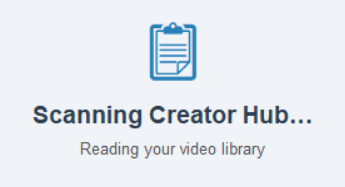
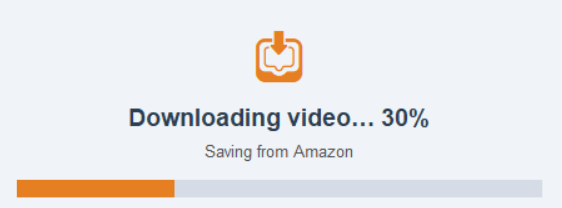
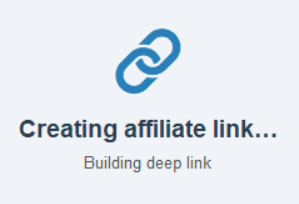
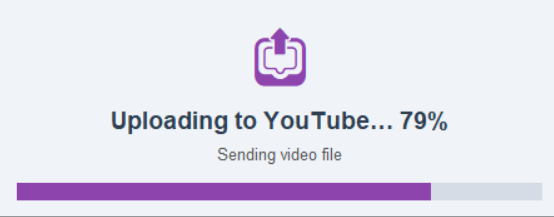
Hit 'Run Now' to see the magic happen. Your videos upload with titles, thumbnails, descriptions, and affiliate links — easy.

4

Watch the Commissions Roll In

More platforms means more clicks, more traffic, and more affiliate commissions — on autopilot.


Screenshots

See It In Action

A look at the Cha-Ching Automate desktop app.
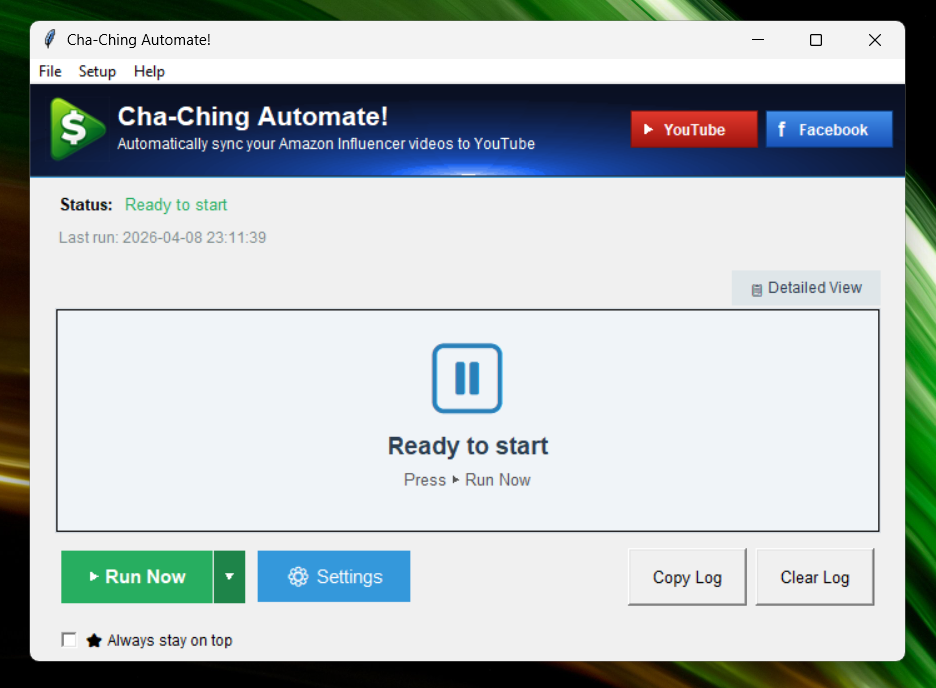
Screenshot

Features

Everything You Need to Scale

Built by an Amazon Influencer, for Amazon Influencers.

1-Click Sync

Upload dozens of Amazon videos to YouTube in one click. No manual downloading, renaming, or copy-pasting.

🌍

5 Storefronts, 1 Click

Cross-posts every video to Amazon Canada, UK, Australia, Singapore, and UAE — so a single recording earns commissions in five countries at once. More storefronts ship in updates at no extra cost.

🔗

Auto Affiliate Links

Your Amazon affiliate tag or deep link (PostTab or Genius Link) is automatically injected into every YouTube description so every click earns commissions.

🖼️

Thumbnail Sync

Your Amazon video thumbnails carry over to YouTube automatically — no extra editing software needed.

📋

Smart Playlists

Videos are organized into playlists automatically, keeping your channel structured and watch time high.

🖥️

Windows, Mac & Linux

Native desktop app for Windows, Mac (Apple Silicon & Intel), and ChromeOS / Linux.

🔄

Continuous Updates

Your subscription includes all future updates and new features at no extra cost — forever.


💰 Earn 20% Recurring Commissions

Love Cha-Ching Automate? Share it and earn 20% of every subscription — month after month.

Join the Affiliate Program →
FAQ

Frequently Asked Questions

What is Cha-Ching Automate?
Cha-Ching Automate is software that automatically transfers your Amazon Influencer videos to YouTube — including titles, descriptions, thumbnails, playlists, and affiliate links — in bulk. It also cross-posts each video to your Amazon storefronts in Canada, the UK, Australia, Singapore, and the UAE (with more countries coming), so a single video earns commissions across multiple international Amazon storefronts at once.
Who is this software for?
It's designed for Amazon Influencers who have a backlog of videos and want to earn additional income — on YouTube AND on every English-speaking international Amazon storefront — without manually downloading and re-uploading each video country by country.
Which international Amazon storefronts does it post to?
Currently Canada (CA), United Kingdom (UK), Australia (AU), Singapore (SG), and United Arab Emirates (AE) — every English-language Amazon storefront eligible for the Influencer Program. More countries are being added; new storefronts ship as a software update at no extra cost.
How is this different from other tools?
Other tools require you to manually download videos from Amazon, upload them to YouTube, and link your YouTube video to your Amazon listing. Cha-Ching Automate runs in bulk and works hands-off in the background, dramatically reducing your time per video.
Is the setup complicated?
Initial setup takes about 5–10 minutes. The software walks you step-by-step through connecting your YouTube API. After setup, you simply click "Run Now."
Do I have to log in every time?
No. You log into Amazon and YouTube once during setup. After that, the software runs automatically. It may occasionally need you to log in again if your session expires.
Is my account information safe?
Yes. You set up your own Google Cloud API connection. The software runs locally on your computer. Your credentials are not sent to the developer.
Can I control which videos get uploaded?
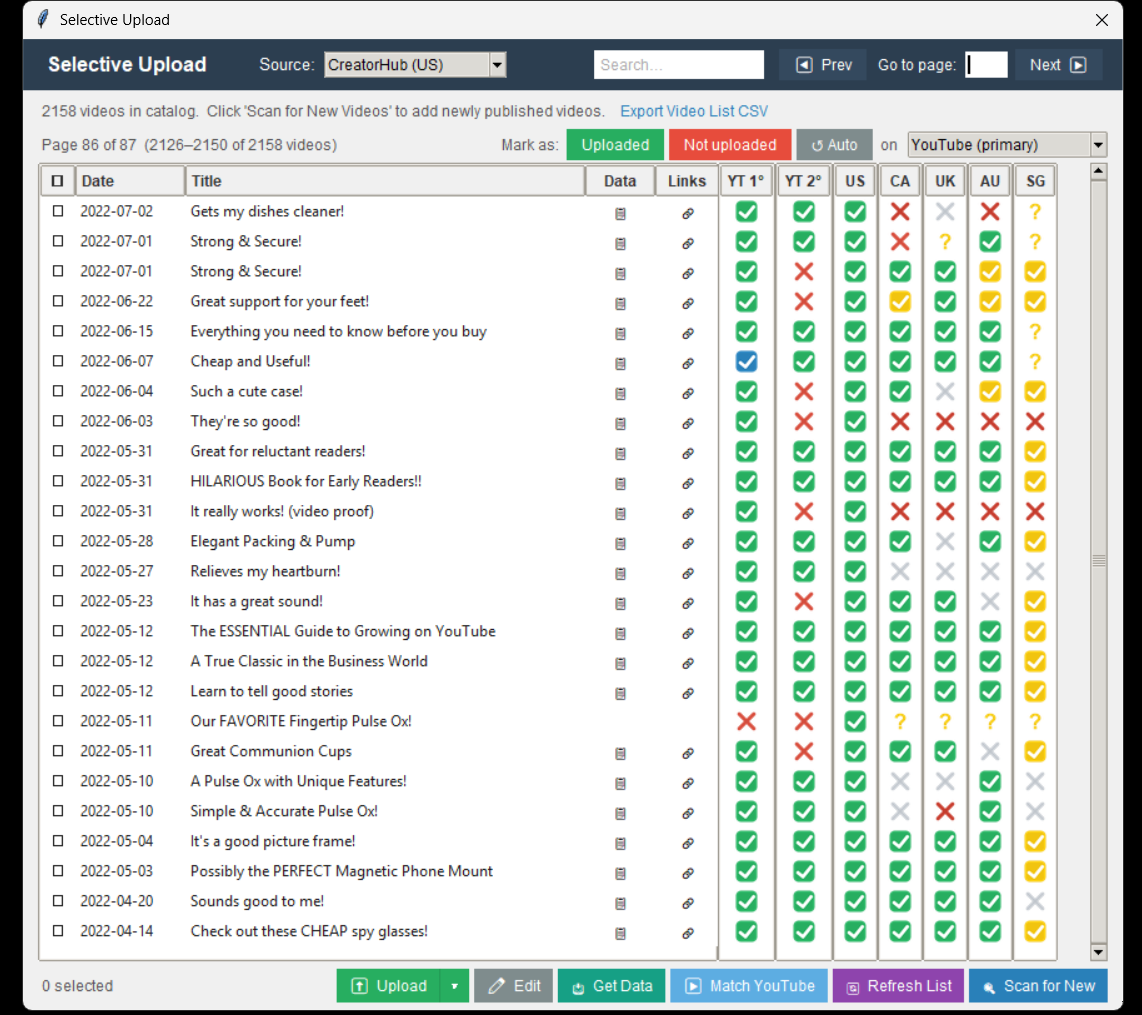
Yes. You can filter by upload date range or by page number in your Creator Hub. This makes it easy to process backlogs or just upload yesterday's videos.
Can I customize titles and descriptions?
Yes. You can use variables like Amazon title, brand name, and category.
Does it schedule YouTube videos?
Yes. You can schedule videos 15 minutes to 12 hours apart.
How long does it take?
Typically less than 1 minute per video. You don't need to stay at your computer; it runs in the background.
What happens if there's an error?
The software can retry automatically, skip the video, or upload anyway depending on your settings. Many temporary Amazon errors are handled automatically.
Does it detect duplicate uploads?
It does not check your existing YouTube uploads. If you already have videos on YouTube, you may want to upload as Unlisted first and remove duplicates manually. Going forward it tracks which videos it has uploaded.
How much does it cost?
Cha-Ching Automate is $20/month or $200/year (save 17%). Prices increase to $20/month and $200/year on June 1, 2026.
Is there an affiliate program?
Yes (sign up here). Affiliates earn 20% recurring commission, and their referrals receive 10% off when they use your coupon code.
Does it work on Windows?
Yes.
Does it work on Mac?
Yes.
Does it work on ChromeOS?
Yes.
Does it work on Linux?
Yes.